The Data Migration Playbook for Australian Enterprises Moving from MYOB, Xero, SAP, QuickBooks or Zoho to Odoo
- Dec 23, 2025
- Understanding What an Odoo Migration Involves
- Why Australian Companies Move to Odoo
- Addressing the Big Question — Will You Lose Data?
- Pre-Migration Diagnostics and Audit Checklist
- Anti-Patterns to Avoid in Field Mapping
- The Data Extraction Blueprint
- Designing the Right Odoo Data Structure
- Importing and Validating the Historical Data
- UAT, Cutover and Post-Migration Hardening
- The Value of a Certified Partner for Odoo Migration Service in Australia
- Conclusion
- About iProgrammer

A system shift always feels bigger than the software itself. Teams know the move is needed, yet no one wants to carry the fear of losing past work, past numbers or past decisions. That fear is valid. Years of invoices, stock entries, journal adjustments and customer interactions sit inside older ERPs. Much of that data has its own history. Some of it is neat. Some of it carries years of patchwork fixes. This is why large Australian firms hesitate when the subject of migration comes up.
Yet this same hesitation is also the reason many want to leave their current system.
- MYOB feels restrictive as operational complexity increases.
- Xero supports accounting well but struggles with end-to-end workflows.
- QuickBooks suits small setups but limits control as teams grow.
- SAP delivers stability but becomes heavy when flexibility is required.
- Zoho works for light operations but lacks tight process integration at scale.
This is why Odoo catches attention. It offers control without rigidity. It offers integration without clutter. Most important, it brings every department into one environment. But the value only appears when the migration is done right. A rushed shift can interrupt reporting. A poor mapping process can create mismatched records. A flawed tax configuration can break compliance. Large enterprises cannot afford any of these risks.
This playbook helps Australian enterprises move with clarity. It lays out the steps, the pitfalls and the strategies that bring stability to the migration journey.
Understanding What an Odoo Migration Involves
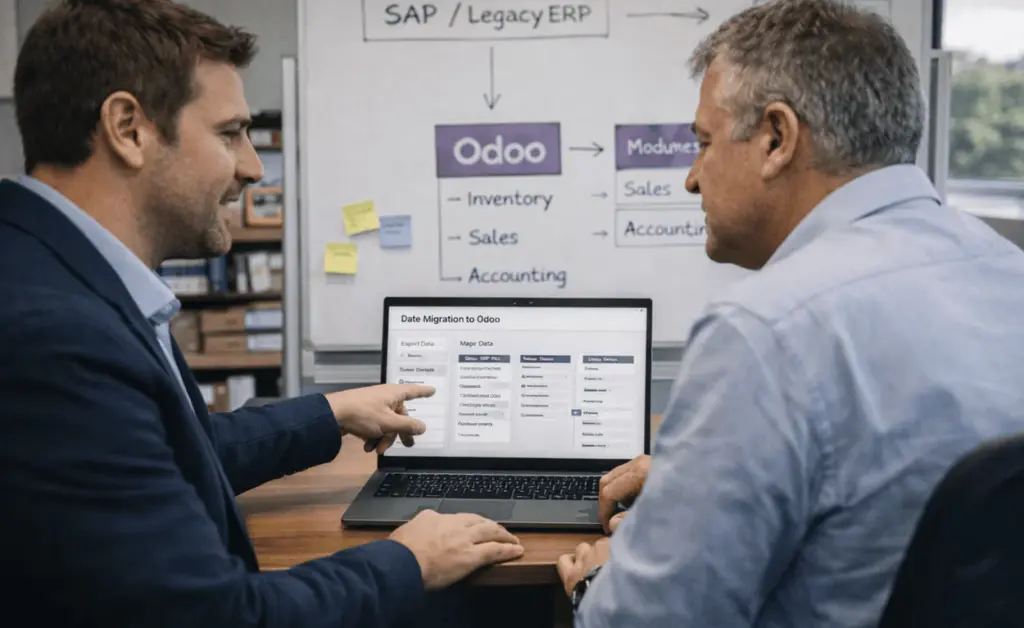
An Odoo Migration is the structured process of moving data, configuration and business logic from an existing ERP into a fresh Odoo environment. It covers three layers. The first is the core data. This includes customers, suppliers, products, financial entries, historical invoices, stock details and more. The second is the functional layer. This includes modules, workflows, permissions and automation. The third is the extended layer. This includes integrations, reporting logic and custom setups.
Within migration, two common terms appear. The first is Odoo Module migration. This refers to shifting functional modules and ensuring they reflect the workflows of the older system. The second is Odoo apps migration. This covers custom or third-party apps that must remain consistent after the move. Both must work together with the main dataset.
Migration is often misunderstood as a simple export and import. It is not. Data structures differ across systems. Naming rules differ. Historical records follow different linking logic. Even the meaning of certain fields can vary. Teams that ignore these differences face errors during reconciliation. This is why a stable migration process needs both functional and technical depth.
Why Australian Companies Move to Odoo
Australian organisations often outgrow their current systems in slow, unnoticed stages. The accounts team may work well in Xero, yet the production team may depend on manual tools. The warehouse may hold separate spreadsheets. Sales teams may use CRMs that do not link with stock. Managers end up juggling several platforms.
This fragmentation appears in every system but for different reasons. MYOB and QuickBooks hit limits once operations introduce multi-warehouse or multi-entity workflows. Xero suits financial processes but does not support deeper operational chains. Zoho works for light operations but starts to slip when teams need tighter control over stock, projects and procurement.
SAP carries a different problem. It handles scale but locks teams into rigid processes. Mid-market firms find it harder to react fast. Small configuration changes demand long cycles. Even a simple custom workflow can need large effort. These constraints matter in Australian businesses that run thin teams and need fast decision cycles.
Odoo gives firms the balance they want. It supports accounting, operations, sales, stock, manufacturing and HR in one system. It does this without heavy complexity. Teams gain better visibility. Processes move without manual checks. Leaders get reports they can trust.
This combination of flexibility, integration and control is the reason Australian firms shift from MYOB, Xero, SAP, QuickBooks or Zoho. They need a system that grows with them and does not slow their pace.
| Operational Area | MYOB | Xero | QuickBooks | Zoho | SAP | How Odoo Solves It |
|---|---|---|---|---|---|---|
| Core System Focus | Accounting-led, limited operational depth | Finance-first, weak operations coverage | Small business–oriented | App-based, loosely connected | Enterprise-heavy, rigid | Unified ERP covering finance, operations, inventory, sales, and HR |
| Data Architecture | Flat data structure | Shallow relational links | Mixed data logic | Sync-based between apps | Complex but rigid models | Single relational database with enforced data integrity |
| Inventory Management | Basic tracking, weak multi-warehouse support | Limited inventory depth | Inventory and non-inventory mixed | Movement tracking without valuation depth | Complex setup, heavy configuration | Advanced inventory with multi-warehouse, locations, and valuation layers |
| Stock Valuation | Flattened valuation entries | Minimal valuation history | Inconsistent valuation handling | Limited valuation transparency | Accurate but complex to maintain | Layered valuation with full historical traceability |
| GST & BAS Handling (Australia) | Custom GST codes evolve without structure | Manual adjustments common | Inconsistent tax mappings | GST logic spread across apps | Strong but configuration-heavy | Rule-based GST tax groups aligned to BAS reporting |
| Rounding Rules | Invoice and line-level rounding conflicts | Rounding inconsistencies across transactions | Limited rounding control | Depends on app-level configuration | Strict but inflexible | Configurable and consistent rounding logic |
| Multi-Entity Operations | Limited multi-entity support | Restricted visibility across entities | Not designed for multi-entity scale | Complex cross-app coordination | Strong but resource-intensive | Native multi-company support with shared or isolated ledgers |
| Workflow Flexibility | Limited process control | Operational workflows outside accounting | Requires add-ons | Custom logic breaks during upgrades | Changes take long cycles | Configurable workflows without breaking upgrade paths |
| Reporting Reliability | Export-dependent, spreadsheet-heavy | Manual reconciliation required | Reports degrade at scale | Cross-app reporting complexity | Advanced but specialist-driven | Real-time reports from live transactional data |
| Audit Trail & Traceability | Partial historical links | Weak operational audit depth | Limited audit continuity | Depends on sync reliability | Strong but complex | End-to-end audit trail across all modules |
| User Adoption | Finance-focused usage | Finance teams only | Operational resistance | App switching fatigue | Steep learning curve | Role-based interfaces aligned to daily workflows |
| Scalability | Strains as volumes grow | Hits operational limits | Breaks beyond small scale | Fragmentation increases | Scales but slows agility | Scales without rigidity or fragmentation |
| Migration Risk | Hidden data inconsistencies | Incomplete operational history | Weak linkage during import | Sync-related data gaps | High effort, high dependency | Structured migration with rebuilt relational integrity |
Addressing the Big Question — Will You Lose Data?
Data loss is the biggest concern during migration. The fear is understandable. But actual data loss does not occur when the shift is designed properly. Loss occurs when the process is rushed, when structures are mismatched or when validation rules are ignored.
Every system holds duplicates, incomplete entries or inconsistent tax details. These issues surface only during migration. Teams often confuse this with data loss. What looks like missing data is usually data that fails validation during import. A structured migration handles this.
There are three layers of protection. The first is clean extraction. The second is field-level mapping with validation. The third is multi-stage reconciliation. If any of these are skipped, the risk rises. When all are followed, loss does not occur. The process becomes predictable and stable.
Pre-Migration Diagnostics and Audit Checklist
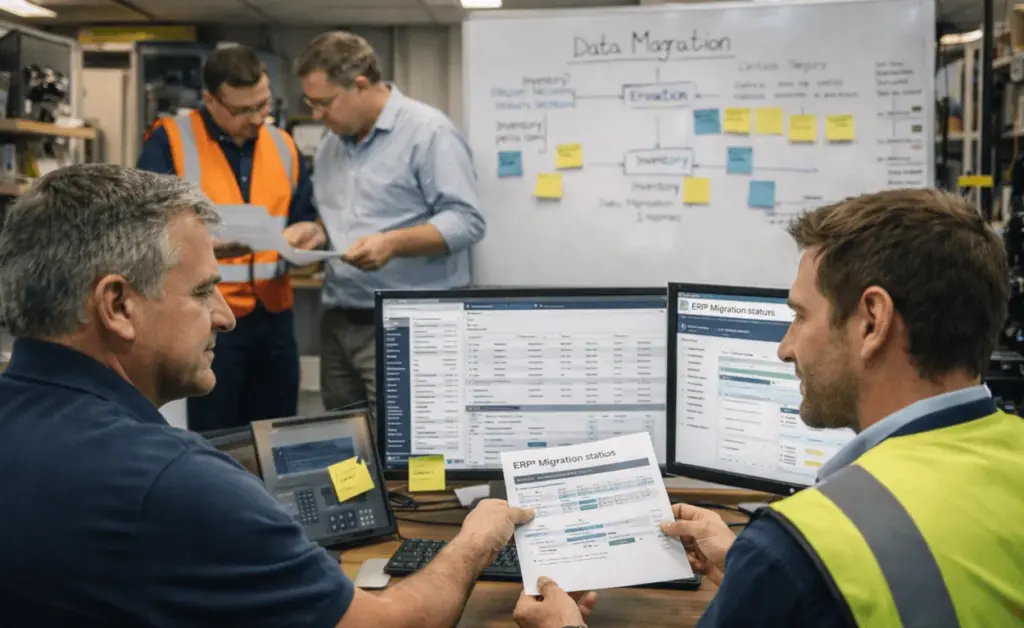
A detailed diagnostic phase helps Australian organisations understand the quality and fit of their existing data before any import begins. Older systems often store fields that do not match Odoo formats. Some carry tax overrides. Some hold legacy rounding rules that affect final reports. A structured audit prevents these issues from appearing during import.
A complete diagnostic should cover:
- Review of naming logic across masters
- Matching of GST codes used across purchases and sales
- Cross-check of PAYG withholding fields
- Mapping of BAS reporting groups
- Review of invoice-level and line-level rounding
- Audit of reverse charge entries
- Detection of manual journal workarounds done to “fix” reports
- Multi-currency audit for firms trading in AUD and USD
- Stock valuation entries that carry incomplete metadata
- Historical adjustments that break linking logic
Australian GST rules need special focus. Some older systems store GST codes with custom naming. Others store them with partial values. A migration must rebuild these codes with precision. BAS reports depend on sensitive links between transactions and tax groups. A wrong mapping can create mismatches during audits.
Rounding rules also demand attention. Systems like Xero and MYOB use different rounding logic. When ignored, these differences create variations between Odoo totals and legacy totals. This leads to false reconciliation errors that look like data loss.
A diagnostic phase captures these issues early. It gives the migration team a stable base before extraction starts.
Anti-Patterns to Avoid in Field Mapping
Field mapping is the most fragile step of the migration. Many teams match fields based on name. This is the most common anti-pattern. Two fields can share a name yet carry different logic.
Examples include:
- Customer references that represent different objects
- Product IDs that are not compatible with Odoo’s relational structure
- Tax fields that do not map due to rule-based variations
- Invoice statuses that do not represent the same workflow
- Payment fields that hold mixed values
Copying these as-is creates a chain of mismatches. Invoices stop linking to journals. Stock entries fail during reconciliation. Tax reports show gaps.
A strong mapping strategy studies the meaning of each field, not just the label. It checks the data type. It checks the workflow reference. It checks how Odoo expects the value. It checks how reporting tools interpret it. This is why field mapping needs both technical and functional ownership.
The Data Extraction Blueprint
Extraction must begin with a complete breakdown of what the organisation wants to bring into Odoo. Many migrations fail because teams only extract visible data. Hidden fields, links and metadata remain behind.
Extraction should cover:
- Customer and supplier masters
- Product catalogues
- Tracking attributes
- Multi-warehouse data
- Fiscal years
- Chart of accounts
- Journals
- Ledger entries
- Invoices and bills
- Payments and reconciliations
- Projects
- Manufacturing orders
- Inventory moves
- Opening balances
- Historical adjustments
- Attachments and documents
This must be paired with a sanitisation process. Duplicates need merging. Incomplete records need review. Wrong tax codes must be corrected. Suspicious entries must be flagged before processing.
A clean extraction reduces errors during the import stage.
Designing the Right Odoo Data Structure
Odoo uses a relational structure that links every part of the business. Customers link to sales orders. Sales orders link to invoices. Invoices link to journals. Journals link to tax reports.
The structure must support this chain. When teams design the structure without understanding these links, the system works but reports break. This is common when moving from simpler systems like Xero or QuickBooks. These systems have shallow linking rules. Odoo has deeper linkage.
During this stage, teams define the right modules and apps. This is where Odoo Module migration and Odoo apps migration come into the picture. Each module must reflect the business workflow. Each app must connect with the main dataset without gaps.
This design sets up the environment for a stable import.
Importing and Validating the Historical Data
Historical data gives the business continuity and traceability. But different systems store this data with different logic. MYOB uses flattened valuation. Xero holds limited inventory detail. QuickBooks mixes inventory and non-inventory items in one layer. Zoho captures movement history but not valuation layers. SAP holds deep transactional chains that may span years.
When all this enters Odoo, the structure must align with Odoo’s valuation rules. Odoo uses layered valuation. Each inbound movement creates its own record. Each outbound movement consumes from a layer. The migration must rebuild these layers. If not, inventory numbers may appear correct but valuation reports break.
Tax reconstruction is just as important. Australian GST needs both mapping and revalidation. Every invoice, bill and payment must link to the right GST group. This protects BAS accuracy.
Trial imports reveal how the dataset behaves inside Odoo. They show missing references. They show broken links. They show rounding differences. Each issue must be logged and fixed.
Only after these validation cycles is the data ready for final import.
UAT, Cutover and Post-Migration Hardening
UAT reveals the issues that remain unseen during development. Teams test real scenarios. They create orders. They record payments. They adjust stock. They run payroll. They build tax reports.
Cutover planning defines the day the organisation moves fully to Odoo. This requires coordination between finance, operations, sales and IT. Final balances are imported. Pending adjustments are cleared.
Post-migration hardening stabilises the system. Teams run parallel checks. Reports are compared with old records. Configurations are refined. After this cycle, the system becomes ready for long-term use.
The Value of a Certified Partner for Odoo Migration Service in Australia

A structured migration needs experience with Australian compliance, industry operations and Odoo’s technical foundation. A certified Odoo partner brings this mix. They understand the gaps in MYOB, Xero, SAP, QuickBooks and Zoho. They know how these systems organise data. They know how Odoo handles the same data.
This reduces the risk of errors. It improves the reliability of the mapping process. It brings clarity to tax, stock, financial and operational workflows.
A certified partner offering Odoo Migration Service in Australia also ensures the migration remains aligned with local regulations and reporting practices.
Conclusion
A strong migration does not happen by chance. It happens through preparation, clean extraction, careful mapping and accurate reconstruction. It happens when teams understand the structure of their old system and the structure of their new one. It happens when the organisation treats the migration as a strategic move rather than a technical task.
When done right, the shift to Odoo brings clarity, speed and operational control. It unifies the organisation. It prepares every department for scale. It gives decision-makers the confidence to move faster.
About iProgrammer
iProgrammer is a certified Odoo partner for Australian businesses. Our team blends deep technical skill with functional understanding of finance, operations, inventory and compliance. We design migrations that protect historical data and build stable future workflows. Our approach ensures every module, app and dataset integrates with precision.
If your organisation plans to move from MYOB, Xero, SAP, QuickBooks or Zoho to Odoo, our team can guide the full journey with accuracy and confidence. Consult now.